
Odoo for small business: which modules to implement first
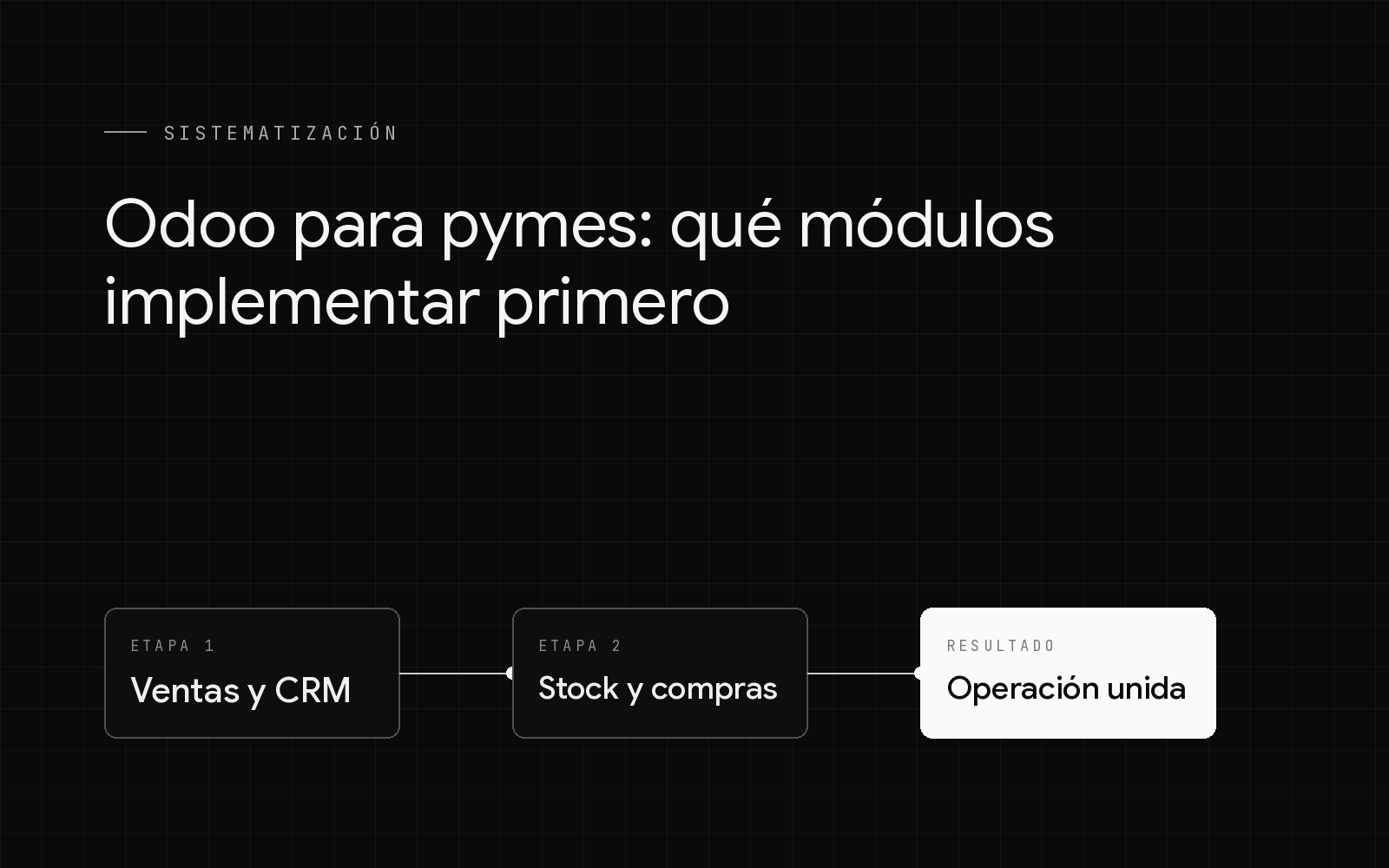
Odoo for small business works best as a phased rollout: first the loop that brings in revenue (CRM, sales and invoicing), then the one that supports it (inventory and purchasing), and only then full accounting, online store and automation. The right order depends on where your operation gets stuck today, so a diagnosis comes first.
Why Odoo for small business is so common
Odoo is an ERP that brings into a single database the areas many small companies keep apart: sales, invoicing, stock, purchasing, accounting, support and e-commerce. According to Odoo's company page, the software has more than 15 million users and around 50 core applications, plus thousands of community modules.
Its modular design lets a company start with a few apps and add more without switching platforms. That same appeal is also the most common trap: with so many options, it is tempting to switch everything on at once and end up with a half-configured system the team avoids.
In one sentence: implementing Odoo in a small business means deciding which processes move into the system first, in what order and with what data, so each stage works before the next one starts.
The rule: start where the money comes in
The business sets the module order, not the software. The guiding question is where money or time leaks today: quotes nobody follows up, invoices typed by hand, stock that never matches the system, purchases decided by gut feeling.
For most growing companies in LATAM, the first bottleneck is the sales loop. A lead arrives on WhatsApp or email, gets quoted in a spreadsheet, invoiced in another tool, and follow-up depends on one person's memory. Unifying that path pays off quickly and builds trust in the project. If you are still deciding whether you need an ERP, start with the signs your business needs one.
Which Odoo modules to implement first, stage by stage
This is the order our team uses as a starting point and then adapts to each company:
- CRM and Sales. Opportunities, quotes, price lists and orders. The foundation for everything else.
- Invoicing. Invoices and credit notes generated from the order, without re-entering data. Confirm early how your country's electronic invoicing requirements are handled.
- Inventory and Purchasing. Stock by warehouse, replenishment and purchase orders. Essential for physical products, secondary for service firms.
- Accounting. Bank reconciliation, receivables, payables and reports. Many companies keep their external accountant during this transition.
- Channels and extensions. Online store, point of sale, helpdesk, projects or manufacturing, depending on the industry.
Close each stage with the team using the system for real before opening the next one. A slower rollout with real adoption reaches results sooner than one that activates everything and gets abandoned.
Module order by type of company
| Company type | First stage | Second stage |
|---|---|---|
| Distributor or wholesaler | Sales, price lists and inventory | Purchasing and B2B portal or store |
| Retailer with online store | Inventory, sales and e-commerce | Invoicing and payment reconciliation |
| Service company | CRM, sales and invoicing | Projects, timesheets and helpdesk |
| Small manufacturer | Sales and inventory | Purchasing and manufacturing |
In every case the first step is the same: map the real process, exceptions included, before configuring anything. For the sales side, see how to implement a CRM the team actually uses.
Common mistakes and what Odoo costs
- Migrating dirty data. Duplicate customers and outdated product codes undermine trust in the new system from day one.
- Customizing before using. Paying for custom development to replicate the old spreadsheet instead of testing the standard flow first.
- Leaving data-entry staff out. If sales, admin and warehouse teams do not shape the design, they go back to their spreadsheets.
- No agreed metrics. Without clear sales KPIs, nobody can tell whether the rollout worked.
On cost, Odoo offers a free single-app plan with unlimited users and paid plans billed per user per month that include all apps. A pricing review updated in September 2026 lists the Standard plan from 14.90 euros per user per month on annual billing, with a first-year discount. Prices change, so check the official page before budgeting. Implementation work usually outweighs licenses, which is another reason to phase it.
Frequently asked questions
Is Odoo good for small businesses?
Yes, especially for companies that already have revenue and information scattered across spreadsheets and disconnected tools. Because it is modular, you can start with sales and invoicing and add inventory, purchasing or an online store when the team is ready, without changing platforms.
How long does an Odoo implementation take?
It depends on the number of modules, data quality and how many people use the system. A focused first stage such as CRM, sales and invoicing usually takes weeks. A full rollout with inventory, purchasing and accounting takes several months, because each stage needs real use before adding the next.
What is the difference between Odoo Community and Enterprise?
Community is the free, open-source edition you host on your own server. Enterprise is the paid edition, with additional apps, official support and the option of Odoo's cloud hosting. The right choice depends on which modules you need and who will maintain the system.
At Verzeen we work as part of your team to systematize your commercial operation: we map how work gets done today, define the Odoo rollout order, migrate clean data and support the team until the system is truly in use. If you want to know which module to start with, let's talk.