
How to implement a CRM in a small business without your team abandoning it
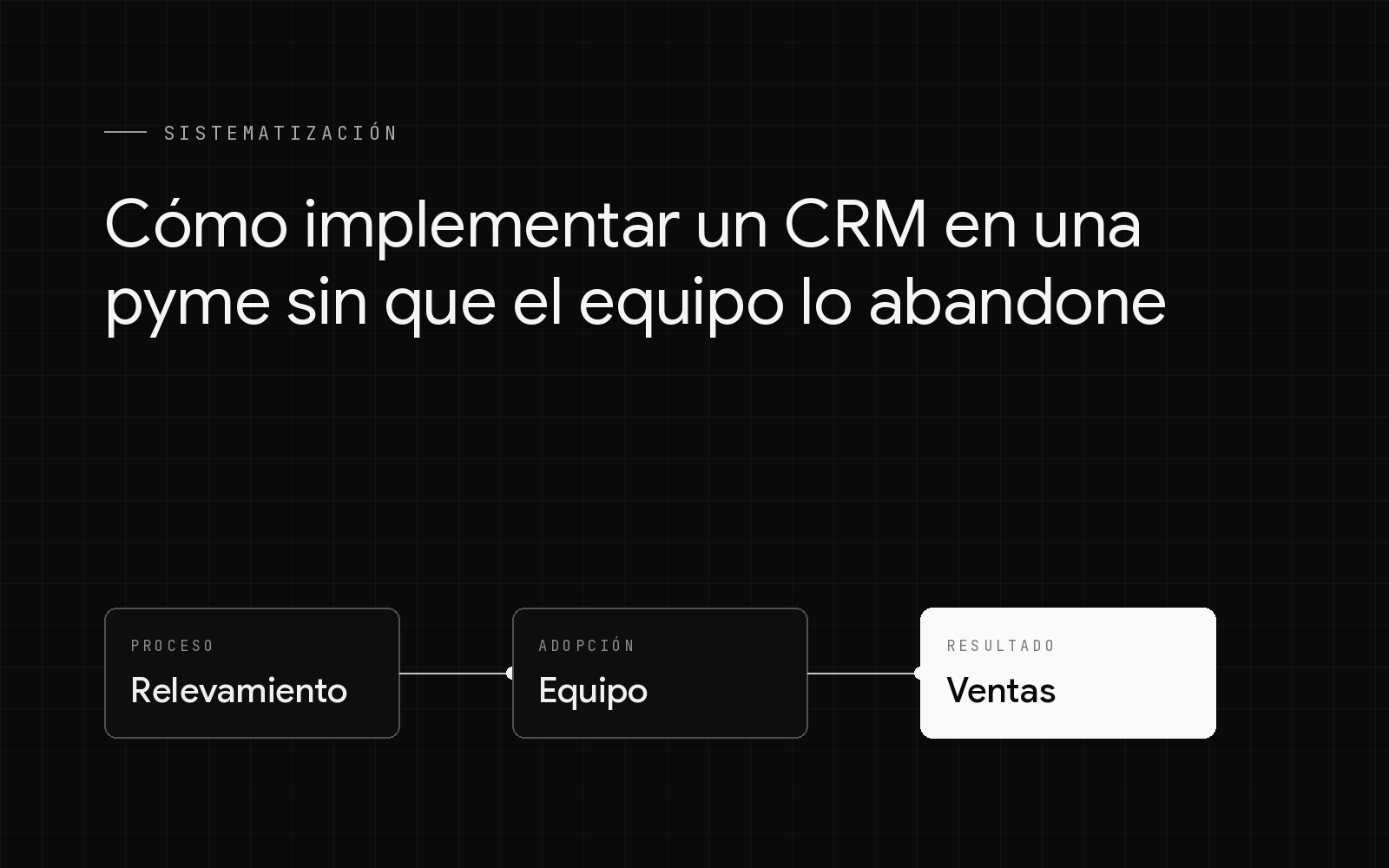
How to implement a CRM in a small business comes down to starting with the sales process, not the software: map how the company sells today, configure only what that process needs, connect your channels so data flows in on its own, and build a weekly habit around it. In that order, the CRM becomes the sales team's working tool instead of one more spreadsheet to fill in.
Why so many small businesses abandon their CRM
The story repeats itself: the company buys a CRM, the team uses it enthusiastically for two weeks, and three months later deals are back in each salesperson's WhatsApp and a shared spreadsheet. The software is rarely the problem. The problem is that it was implemented as a control system for management, not as a tool that saves work for the people who sell.
When logging a contact takes five minutes and gives nothing back, salespeople stop doing it. When the CRM reminds them who to call today, shows the customer's history before a meeting and helps build the quote, they use it every day. The whole implementation should be designed around one question: what does the sales team gain from every piece of data it enters.
Step 1: map the sales process before choosing a CRM
Before looking at vendors, sketch how the company sells today. Not the ideal process: the real one.
- Where inquiries come from: website, WhatsApp, social media, phone calls, field sales, distributors.
- Which stages a deal goes through until it is won or lost, and who moves it at each stage.
- What information each person needs to move forward: pricing, stock, payment terms, purchase history.
- Where sales leak: unanswered inquiries, quotes with no follow-up, customers who stop buying without anyone noticing.
That map tells you which CRM fits. A company that sells through WhatsApp needs a native integration with it; one that invoices from an ERP such as Odoo gains a lot when the CRM shares the same customer base. If operations are already overwhelmed, the right move may be an integrated system, as we explain in the signs your company needs an ERP.
Step 2: configure only what the process needs
The most common mistake is setting up every field that might be useful someday. Every required field adds friction. The first version should include:
- A single pipeline with four to six stages the team recognizes, named in the company's own words.
- Few required fields: contact, lead source, product of interest, estimated value and next action.
- A next-action rule: no open deal goes without a dated task.
Segmentation fields, advanced reports and multiple pipelines come later, once daily use is established.
Step 3: let the data flow in on its own
A CRM that depends on manual entry will always be incomplete. The implementation should connect, from day one, the channels customers use: website forms, WhatsApp Business, the sales inbox and the online store. Every new inquiry then appears in the CRM with its source and history, without anyone copying it.
Once the base is connected, automation does the rest: routing the inquiry to the right salesperson, flagging quotes that have gone days without a reply and spotting customers who stopped buying. These are exactly the processes we recommend automating first in AI automation for SMEs, and where AI has the biggest commercial impact, as covered in the AI blind spot in sales.
Step 4: a weekly habit that gives the CRM a purpose
Adoption sticks when the CRM sits at the center of a conversation that already happens. The simplest way is a 30-minute weekly sales meeting run from the pipeline on screen instead of spreadsheets: which deals moved, which are stuck and what the next action is for each.
If it is not in the CRM, it does not get discussed, and the team quickly learns where information belongs. Management also stops asking for reports by email, because the numbers are already visible. For those numbers to drive decisions, the dashboard should show a few well-chosen metrics, as we argue in the dashboard nobody uses.
How to implement a CRM in a small business in 90 days
| Stage | What happens | Outcome |
|---|---|---|
| Weeks 1–2 | Sales process mapping, CRM selection and cleanup of the existing customer base | Documented process and data ready to migrate |
| Weeks 3–5 | Minimal setup, migration, website, WhatsApp and email integration | New inquiries flow into the CRM automatically |
| Weeks 6–8 | Role-based training, first automations and a weekly pipeline meeting | The team works from the CRM |
| Weeks 9–12 | Adjustments based on real usage, tracking dashboard and new automations | Reliable data for decisions |
Timelines vary with team size and number of channels, but the order stays the same: process first, tool second.
How to tell whether the implementation is working
After 90 days, three indicators show whether the CRM has taken hold or is heading toward abandonment:
- Deals with a next action: the share of open deals with a dated task. Above 90% means the team works from the CRM.
- First response time: how long the company takes to answer a new inquiry. It should drop from the starting point.
- Inquiries with a recorded source: when almost all have one, the company can finally see which channel brings sales and which only brings questions.
Frequently asked questions
How long does it take a small business to implement a CRM?
A well-planned initial implementation takes six to twelve weeks: process mapping, configuration, data migration, channel integration and training. Stable usage usually settles in around the third month, once the team runs its weekly sales meeting from the CRM and data flows in automatically from the website and WhatsApp.
Which CRM is best for a small business?
The one that best fits the company's real sales process. Odoo, HubSpot, Zoho and Bitrix24 cover most cases well; the deciding factors are where customers come from, which systems the company already uses (such as the ERP it invoices from) and how much automation the team needs.
Should we migrate the entire spreadsheet history into the CRM?
Not always. Migrate active customers, open deals and the history the team actually uses, after removing duplicates and completing basic data. Older history can be archived and migrated later if needed.
Who in the company should use the CRM?
Everyone who has commercial contact with customers: salespeople, customer service and sales management. Finance and logistics may need read access. The more people work on the same base, the more complete each customer's history becomes.
At Verzeen we work as part of your team to map the sales process, implement the CRM and support adoption until it becomes part of everyday work. If you want to bring order to your sales, let's talk.