
AI automation for SMEs: 5 processes to automate first
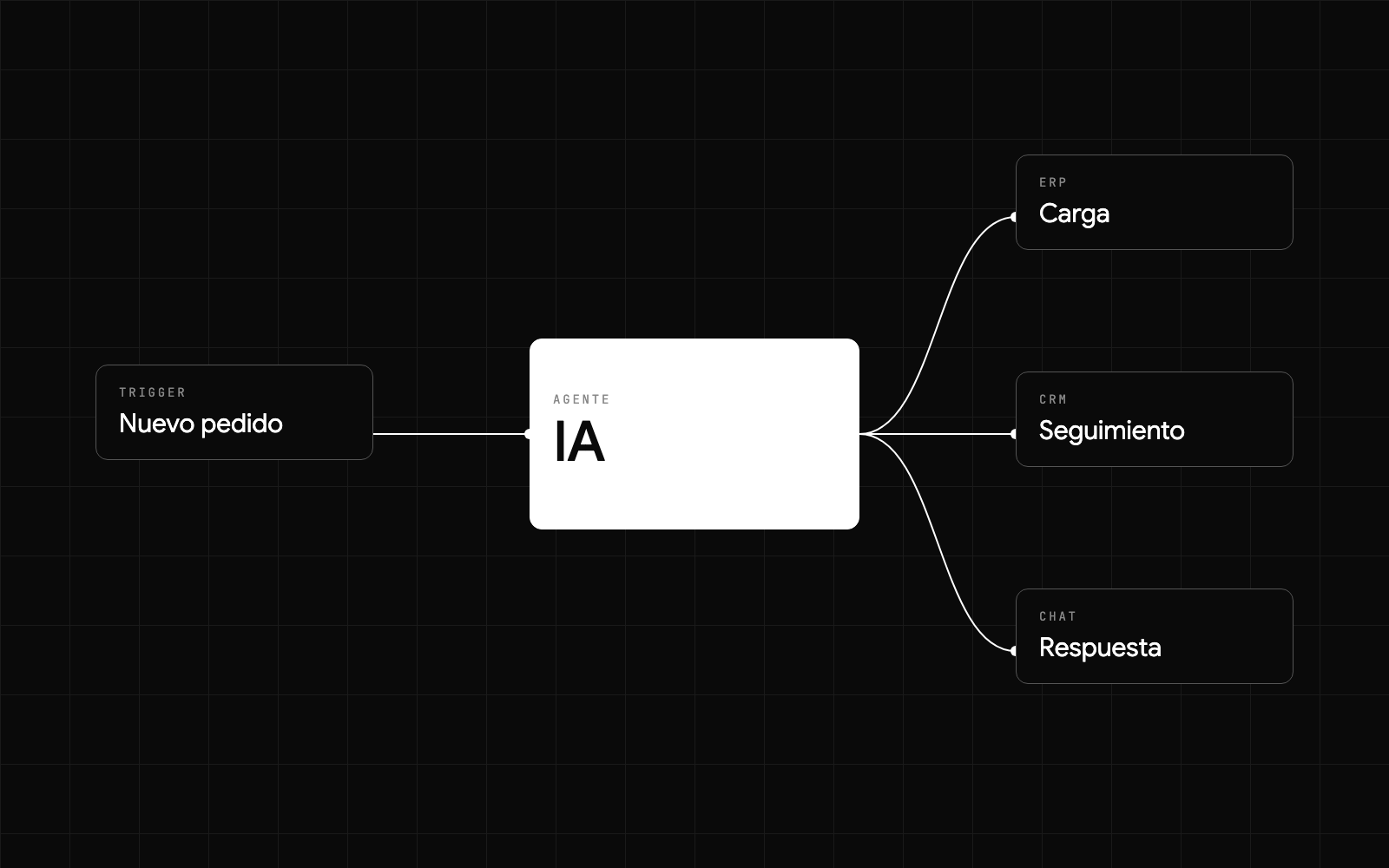
AI automation is no longer an experiment. Platforms like n8n or Make, combined with today's language models, let an SME automate tasks that two years ago required a development team. The question is no longer whether it can be done, but what to automate first.
The criteria: frequency, rules and cost of error
A good candidate for automation meets three conditions: it repeats many times a week, it follows fairly clear rules and an occasional mistake isn't serious, or can be reviewed before it has an impact. With that filter, the first processes are almost always the same.
1. Answering and qualifying inquiries
Inquiries arriving via WhatsApp, forms or social media are answered in seconds by an assistant trained on the company's information: products, prices, hours, delivery areas. The assistant qualifies the inquiry —what they want, how much, by when— and routes it to the right sales rep with full context. The sales team stops answering the same thing twenty times a day and focuses on closing. More on this in the metric nobody tracks in your e-commerce.
2. Data entry from documents
Supplier invoices, purchase orders, delivery notes, payment receipts. AI extracts the data from PDFs, photos or emails and enters it into the ERP or the right spreadsheet. What used to be an afternoon of typing becomes a five-minute review.
3. Sales follow-up
Quotes nobody looked at again, customers who stopped buying, abandoned carts. An automation detects each case in the CRM and triggers the follow-up —an email, a message, a task for the rep— at the right moment. It's the AI blind spot in SMEs, and one of the fastest to recover.
4. Reports that build themselves
The weekly sales report, collections status, critical stock. Instead of someone putting it together every Monday, it's generated automatically and lands in the team's email or chat, with an AI-written summary highlighting what changed since last week.
5. Syncing systems
Online store orders retyped into the management system, customers entered twice, stock that doesn't match between the website and the warehouse. Connecting systems so data flows on its own removes a constant source of errors.
What to avoid
- Automating an undefined process. If everyone does it differently, it needs to be organized first. Automating chaos multiplies it.
- Starting with the most complex one. The first project needs to show results in weeks to earn the team's trust.
- Letting AI decide unsupervised in sensitive processes. Prices, payments or customer data need a human review step.
Where to start
The most useful exercise is to list the tasks the team repeats every week and estimate how many hours they take. The two or three with the most hours and the clearest rules are the first project. Measured in hours recovered, the return usually shows in the first month.
And if the most repeated tasks are answering internal questions, the path is different: an AI knowledge base.
Frequently asked questions
What tools are used to automate processes with AI?
Automation platforms like n8n or Make connect systems to each other, and language models like ChatGPT or Claude handle tasks that require interpreting text: reading a document, classifying an inquiry or drafting a reply.
Do you need a technical team to maintain automations?
Not necessarily. Well documented, automations are monitored from a dashboard and the company's team can adjust simple rules. Deeper changes are supported by the team that built them.
Does AI automation replace people?
It replaces tasks. The time the team spent copying, pasting and answering the same questions shifts to work that requires judgment: selling, negotiating and solving complex cases.
At Verzeen we work as part of your team to map, implement and support every stage. If you want to know where to start, let's talk.