n8n vs Make vs Zapier: which one fits a small or mid-sized business
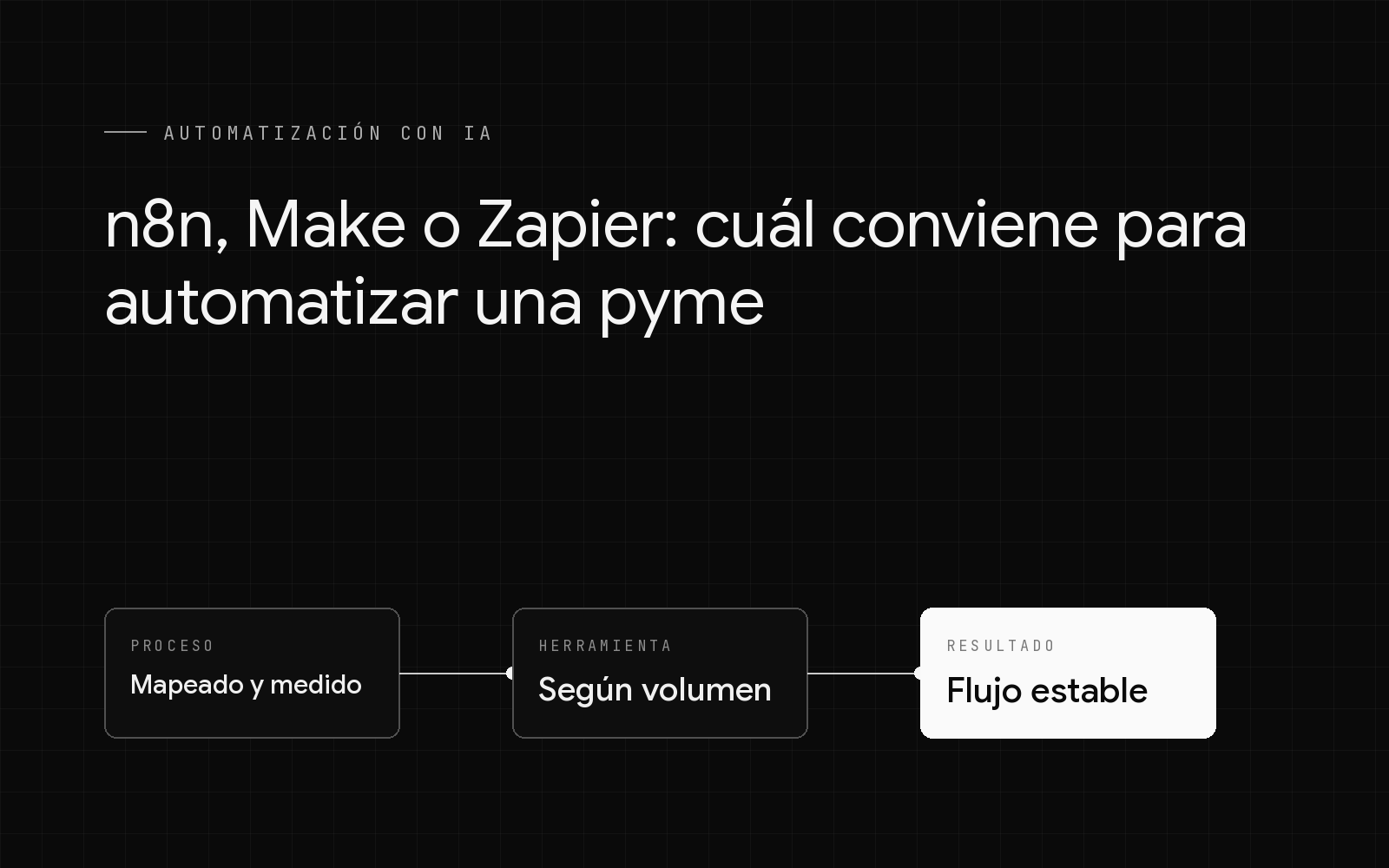
In the n8n vs Make vs Zapier comparison, the short answer is: Zapier fits simple workflows your own team can build, Make fits multi-branch processes at a good price, and n8n fits high volume, sensitive data or custom logic. What weighs most on the budget is how each one counts usage. Before choosing a tool, define which process you are automating and how often it runs each month.
What they share and where they differ
All three are automation platforms: they connect the apps a company already uses, such as the CRM, the ERP, email, WhatsApp or a spreadsheet, and run a sequence of steps when something happens. A form comes in, the contact is created, the sales rep is notified and a follow-up is scheduled, with no manual copying.
In one sentence: Zapier optimizes for ease of use, Make for visual flexibility at a good price, and n8n for full control over where it runs and what scaling costs.
All three can add language models inside workflows to classify inquiries, summarize emails or draft replies. What changes is how they bill, how much logic they handle and who has to maintain them.
How each one bills: tasks, credits or executions
The same automation can cost very different amounts depending on the tool. Figures from the official pricing pages as of November 23, 2026:
| What counts | Free option | First paid plan | |
|---|---|---|---|
| Zapier | Each successful action is a task; triggers don't count | 100 tasks per month, two-step workflows only | Professional, from USD 19.99 per month |
| Make | Each module action consumes credits; most use one | 1,000 credits per month | Core, Pro and Teams plans with monthly credits |
| n8n | Each full workflow run, regardless of the number of steps | Self-hosted Community edition, no license fee | Cloud Starter, €20 per month billed annually, 2,500 executions |
Sources: Zapier pricing, Make pricing and n8n pricing. Prices change often, so check them on the day you buy.
A worked example
Take a five-step workflow: an inquiry arrives, AI classifies it, a CRM contact is created, the rep gets an email and a spreadsheet row is logged. At 1,000 runs a month, that is about 4,000 tasks on Zapier, a similar order of credits on Make, and 1,000 executions on n8n. The longer and more frequent the workflow, the bigger the gap.
When Zapier makes sense
Zapier works best when the goal is for sales or admin teams to build and adjust their own automations. It has the widest integration catalog and a short learning curve. It fits short, linear workflows at moderate volume. The limit shows up as workflows grow in steps and runs: task usage climbs fast and logic with many conditions gets hard to follow.
When Make makes sense
Make displays each workflow as a visual map with branches, filters, iterators and error handling. That makes it strong for commercial processes with several outcomes, such as routing quotes above a threshold to a different approval path. It suits companies across LATAM that want power and good value without managing servers. Design scenarios with an eye on how many modules run per execution, since each action consumes credits.
When n8n makes sense
n8n bills per full execution and can run on your own server with the Community edition. Its official documentation notes that this edition includes almost every feature, while infrastructure, updates and maintenance are on whoever runs it. It fits high volume, long workflows, sensitive data and custom logic, including AI agents. The trade-off is that it needs a technical team to operate it.
n8n vs Make vs Zapier: how to choose for your company
The tool comes last. We follow the order of our method:
- Pick one concrete process that costs time or sales today.
- Measure it: monthly frequency, number of steps and systems involved.
- Organize the data the workflow will use.
- Estimate the cost on all three with your real volume.
- Assign an owner for when an API changes or a step fails.
Many companies end up combining tools by process. For the processes that usually pay off first, read our piece on AI automation for SMEs.
Frequently asked questions
Which is cheapest: n8n, Make or Zapier?
It depends on volume and the number of steps. For a few short workflows, any free or entry plan is enough. For long workflows that run thousands of times a month, n8n is usually cheaper because it bills per full execution, and its self-hosted edition has no license fee, though servers and maintenance still cost money.
Is n8n free?
The n8n Community edition can be self-hosted with no license fee and almost the full feature set. You still pay for infrastructure and for the team that installs, updates and monitors it. If you prefer not to manage servers, n8n offers cloud plans priced by monthly executions.
Which is best for AI automation?
All three can use language models inside workflows. For simple tasks like classifying or summarizing, any of them works. For agents that query several systems and need custom logic, n8n and Make offer more control. Results depend more on data quality and process design than on the tool.
At Verzeen we work as part of your team to design automations that last: we measure the process, organize the data and choose the tool that fits your volume and your team, whether n8n, Make or Zapier. If you want to know which process to automate first and what it would cost, let's talk.