CRM for small business: choosing between Odoo, HubSpot, Zoho and Bitrix24
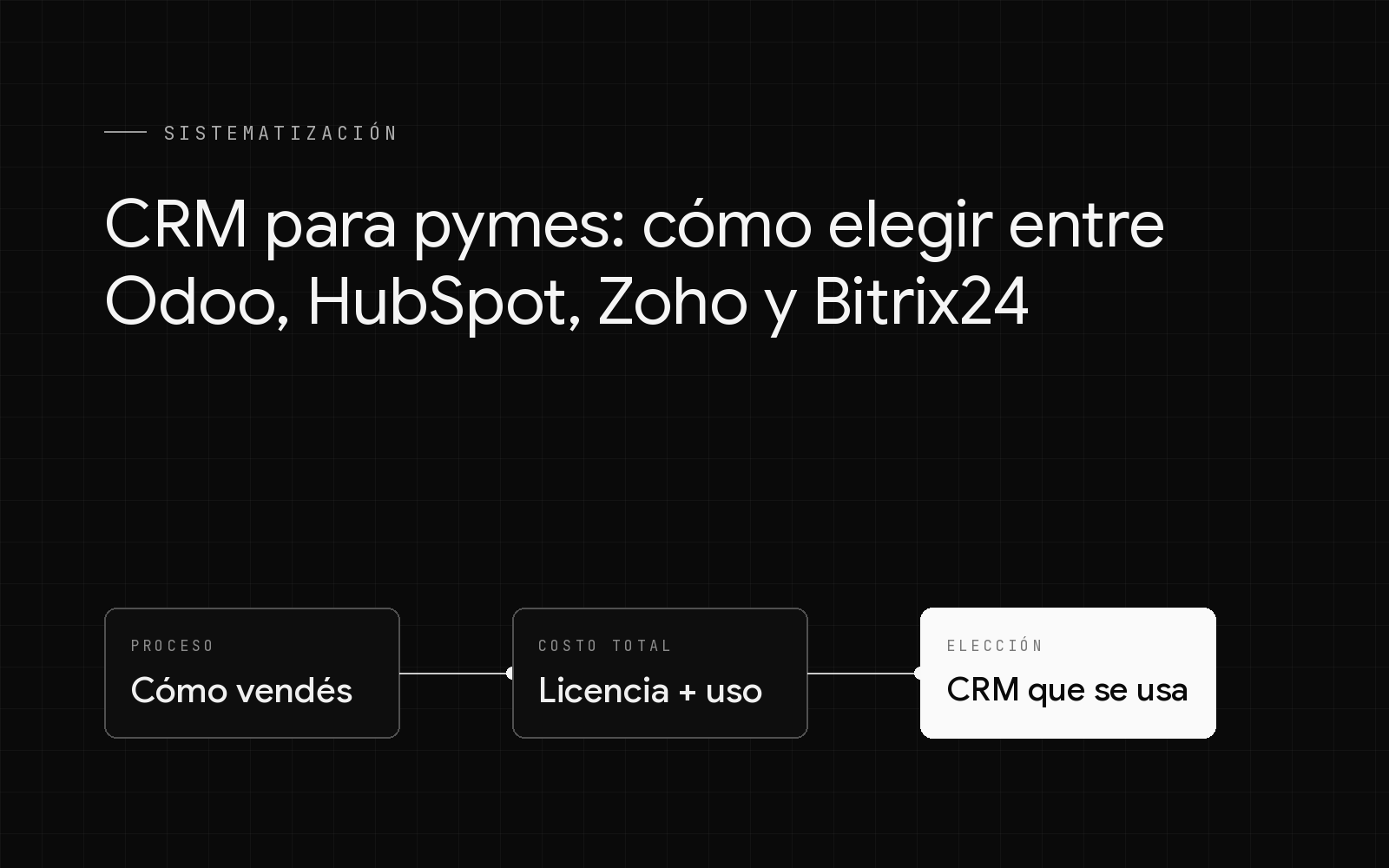
The best CRM for small business is the one that fits how your company sells and what it needs to connect, not the one with the longest feature list. If your operation already needs inventory and invoicing, Odoo is usually the most complete choice; if the focus is marketing and lead generation, HubSpot; if you want strong value per dollar, Zoho; and if you prefer a flat price for the whole company, Bitrix24. Here is how to decide with numbers.
What a CRM for small business has to solve
A CRM is the system where a company records every contact, opportunity and sales conversation, so follow-up does not depend on each rep's memory. For a growing LATAM company, the problem is rarely a lack of software: inquiries arrive through WhatsApp, email, the website and the phone, and each one ends up somewhere different.
Before comparing vendors, answer three questions:
- Where do opportunities come from and how many people handle them?
- What happens after the sale: do quotes, inventory, invoicing or collections depend on that data?
- Who will use the system every day and what does each person gain from entering data?
Those answers narrow the choice quickly. If the process is not defined yet, start with our guide on how to implement a CRM in a small business.
Pricing comparison: Odoo, HubSpot, Zoho and Bitrix24
All four offer free or entry-level plans, but they charge in very different ways. These are the published figures as of November 16, 2026; confirm them before buying, since they vary by region and promotions.
| CRM | Pricing model | Reference price | Free plan |
|---|---|---|---|
| Odoo | Per user, with CRM, sales, invoicing and inventory on one database | For Argentina, from R$38.40 (Standard) and R$69.10 (Custom) per user per month on promotional annual billing | One app |
| HubSpot Sales Hub | Per seat, with required onboarding on higher tiers | Starter from USD 20 per seat per month billed monthly; Professional from USD 90 per seat per month billed annually, plus USD 1,500 onboarding | Up to 2 users |
| Zoho CRM | Per user | Standard USD 14, Professional USD 23 and Enterprise USD 40 per user per month billed annually | Up to 3 users |
| Bitrix24 | Flat price per company, with a user cap | Basic USD 49 (5 users), Standard USD 99 (50 users) and Professional USD 199 (100 users) per month billed annually | Yes, for very small teams |
Sources: official pricing pages for HubSpot and Bitrix24; regional pricing roundups for Odoo in Argentina (oec.sh) and Zoho CRM (Layer3 Labs). Zoho's free plan limit is listed on its official page.
Odoo: when the CRM has to talk to operations
Odoo is a modular ERP: the CRM shares a database with sales, invoicing, inventory and purchasing. For a company selling physical products, reps see real stock when quoting, a quote becomes an order without re-entering it, and the invoice comes out of the same system.
It has the widest scope and benefits the most from a solid implementation, including local tax setup, approval flows and channel integrations. It fits well when a company already shows the signs that it needs an ERP and wants to organize sales and operations at once.
HubSpot: when the focus is marketing and lead generation
HubSpot started as a marketing platform, and its CRM shines before the sale: forms, automated emails, visit tracking and lead scoring. The free plan is a practical way to organize contacts and deals from day one.
Watch how costs scale. Plans with advanced automation charge per seat and add required onboarding, so a five-person sales team on Professional can move quickly from a small subscription to a significant annual investment. It makes sense when the sales cycle relies heavily on content and email follow-up.
Zoho CRM and Bitrix24: predictable cost for growing teams
Zoho CRM
Zoho offers a full CRM at a low per-user price, inside a suite that includes email, invoicing and help desk tools. It has solid automation rules, reporting and no-code field customization, making it a strong option for mid-sized sales teams that want automated follow-up without enterprise pricing.
Bitrix24
Bitrix24 charges a flat company price with a user cap and adds collaboration tools to the CRM: tasks, internal chat, video calls and project management. For companies with many occasional users, total cost can be much lower than with per-seat pricing. Its breadth means it pays to define which modules the team will actually use.
How to choose a CRM in five questions
- How many people will use it? Multiply users by price by twelve months. With many users, flat company pricing changes the math.
- Do you need inventory, quotes and invoicing connected? If so, a standalone CRM forces you to integrate systems; an ERP with a CRM solves it on one database.
- Where do inquiries come from? Check how each option integrates with WhatsApp, your website and social channels, and whether that integration is native or needs an extra service.
- Who will configure and maintain it? A powerful tool without someone adapting it ends up underused.
- What do you want to measure? Define the three or four metrics leadership will review weekly and confirm the CRM shows them without exporting to spreadsheets.
A good practice is to test two options with real data for two weeks, with the people who will use them, before deciding.
The real cost of a CRM goes beyond the license
The license is usually the smallest part of total cost. What determines whether a CRM pays off is everything around it: data migration and cleanup, integrations with WhatsApp, your online store and your ERP, automation of reminders and lead assignment, training plus a weekly routine that gives the data a purpose, and a management dashboard leadership actually uses, so you avoid the dashboard nobody uses.
A cheap CRM nobody uses is the most expensive one of all. That is why, in our method, diagnosing the sales process always comes before choosing the tool.
Frequently asked questions
What is the best CRM for a small business?
It depends on how the company sells. If you need sales connected to inventory and invoicing, Odoo is usually the most complete option. If the focus is marketing and contact follow-up, HubSpot. For value per dollar, Zoho; for many users at a fixed cost, Bitrix24. The best option is the one your team uses every day.
Are there free CRM options for small businesses?
Yes. HubSpot has a free plan for up to 2 users, Zoho CRM for up to 3 users, Bitrix24 offers a free plan for very small teams, and Odoo lets you use one app at no cost. They are useful to start organizing contacts, but they usually limit automation, reporting and integrations, which is where most of the value appears as the team grows.
What is the difference between a CRM and an ERP?
A CRM manages the commercial relationship: contacts, deals, follow-up and sales forecasting. An ERP manages operations: inventory, purchasing, invoicing, accounting and production. Many companies start with a CRM and later need an ERP. Platforms like Odoo combine both on a single database, so the same information is never entered twice.
Can a CRM connect to WhatsApp?
Yes, most CRMs integrate with WhatsApp Business, although often through the official API and an intermediary provider at extra cost. Before choosing, check how the integration works in each option, whether conversations are logged on the customer record and whether chats can be assigned to different reps.
At Verzeen we work as part of your team to diagnose how your company sells today, choose the CRM that fits that process and connect it to your channels, your ERP and your management dashboards. If you are choosing or switching CRMs, let's talk.